Clipboard manager for macOS
Everythingyou copy,kept close.
Pasket keeps a searchable history of what you copy. Find an earlier entry, paste several items together, or work through a queue without losing your place.
Requires macOS 26 · Source on GitHubgithub.com/acehinnnqru/pasket
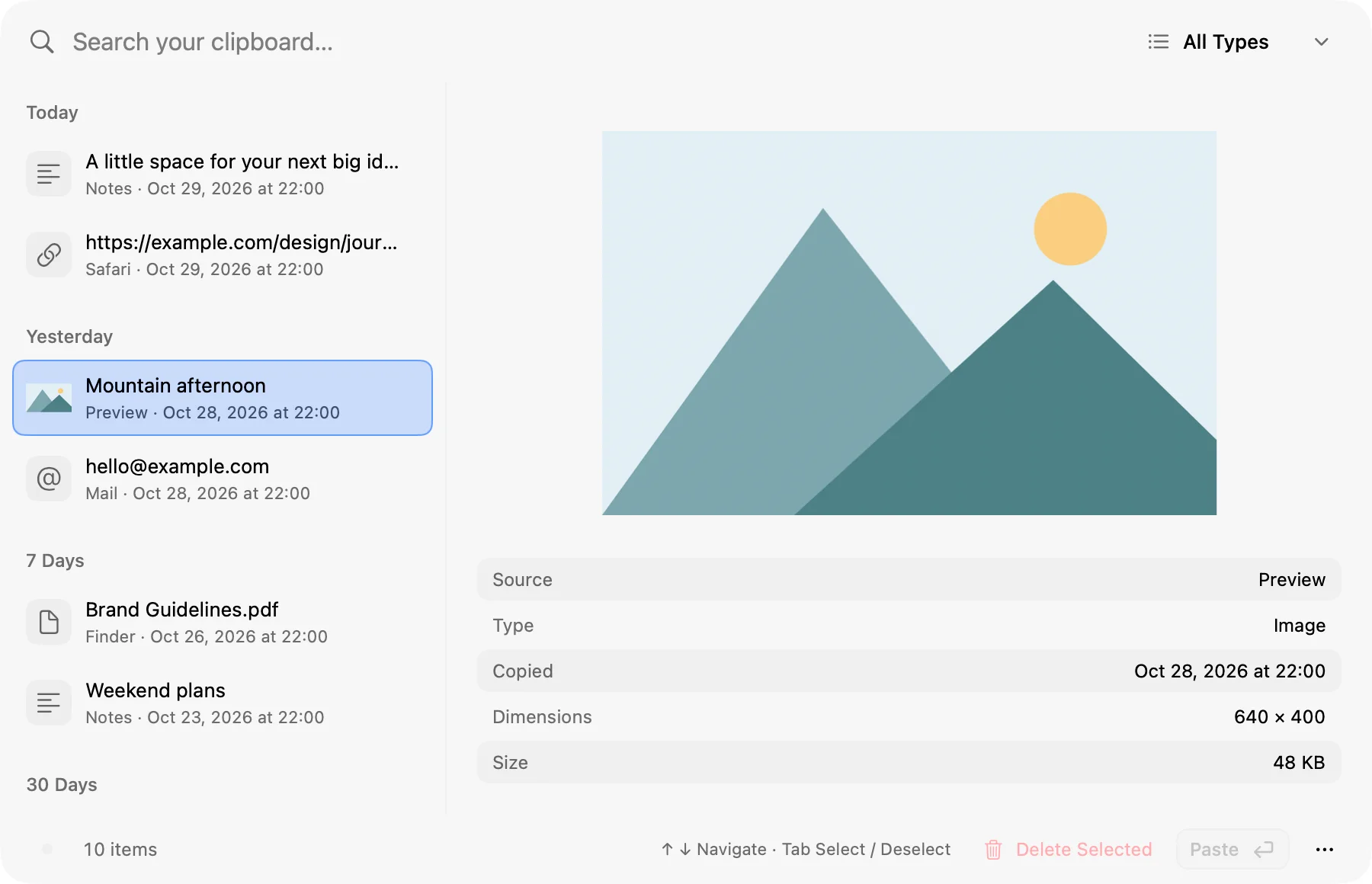
Search
Find it again.
Every copy is searchable, with its source and timestamp still attached. Search saved text or the source app with keywords, initials, or a fuzzy match — hlo finds hello. Ordinary matches come first; choose Find broader matches when you need more. Preview text and images, with their source, dimensions, and size, before anything lands in your document.
Fuzzy and initial matchesType filtersDate groups
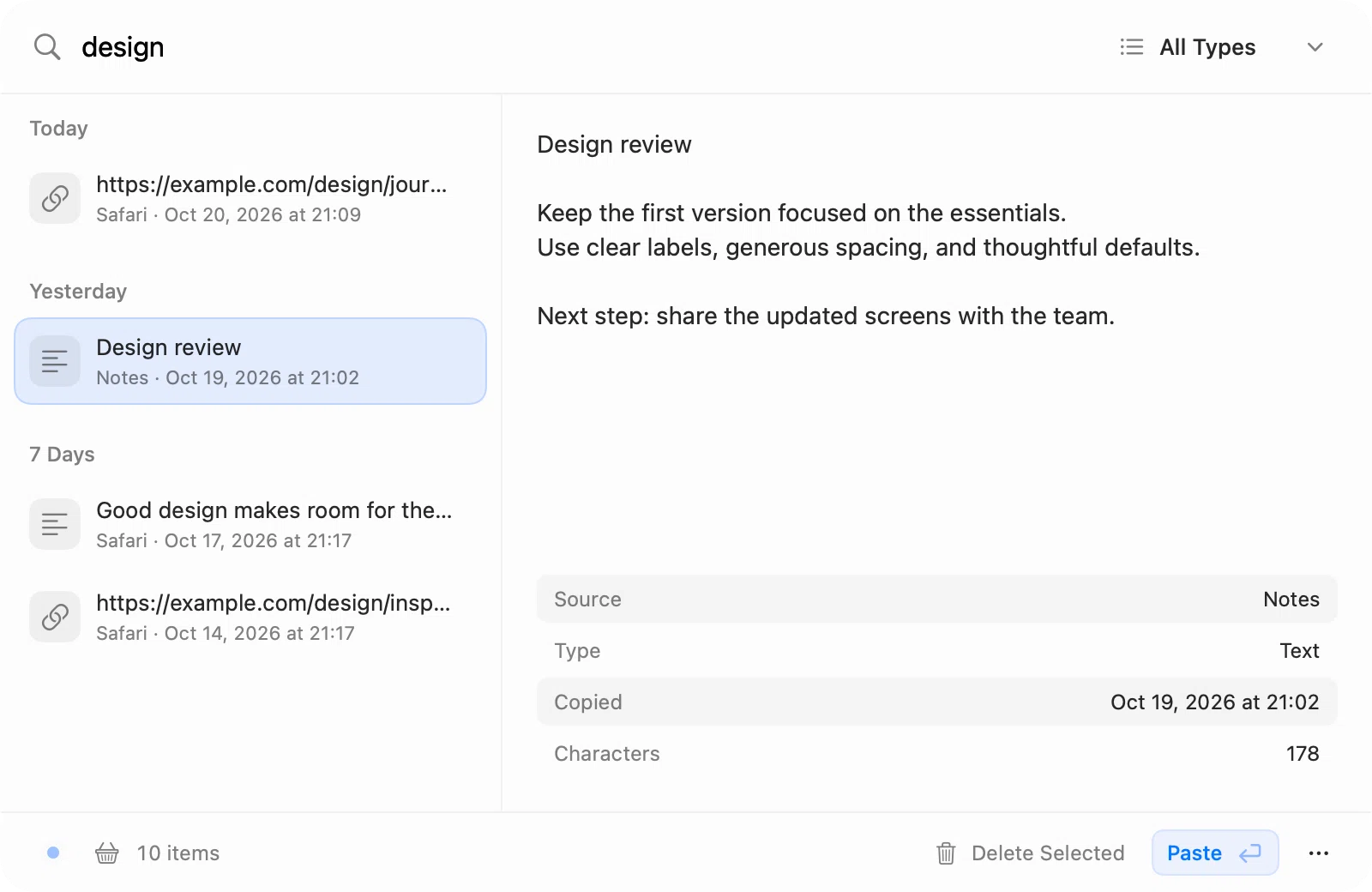
Paste together
Several copies, one paste.
Select multiple entries with Command-click, Shift-click, or Tab, then choose Paste Together. Combine text, links, and email addresses with a new line, a space, a blank line, or no separator. Files paste as a group, and images paste together wherever the app accepts more than one.
Tab or Shift-clickSelect RecentReverse order by default
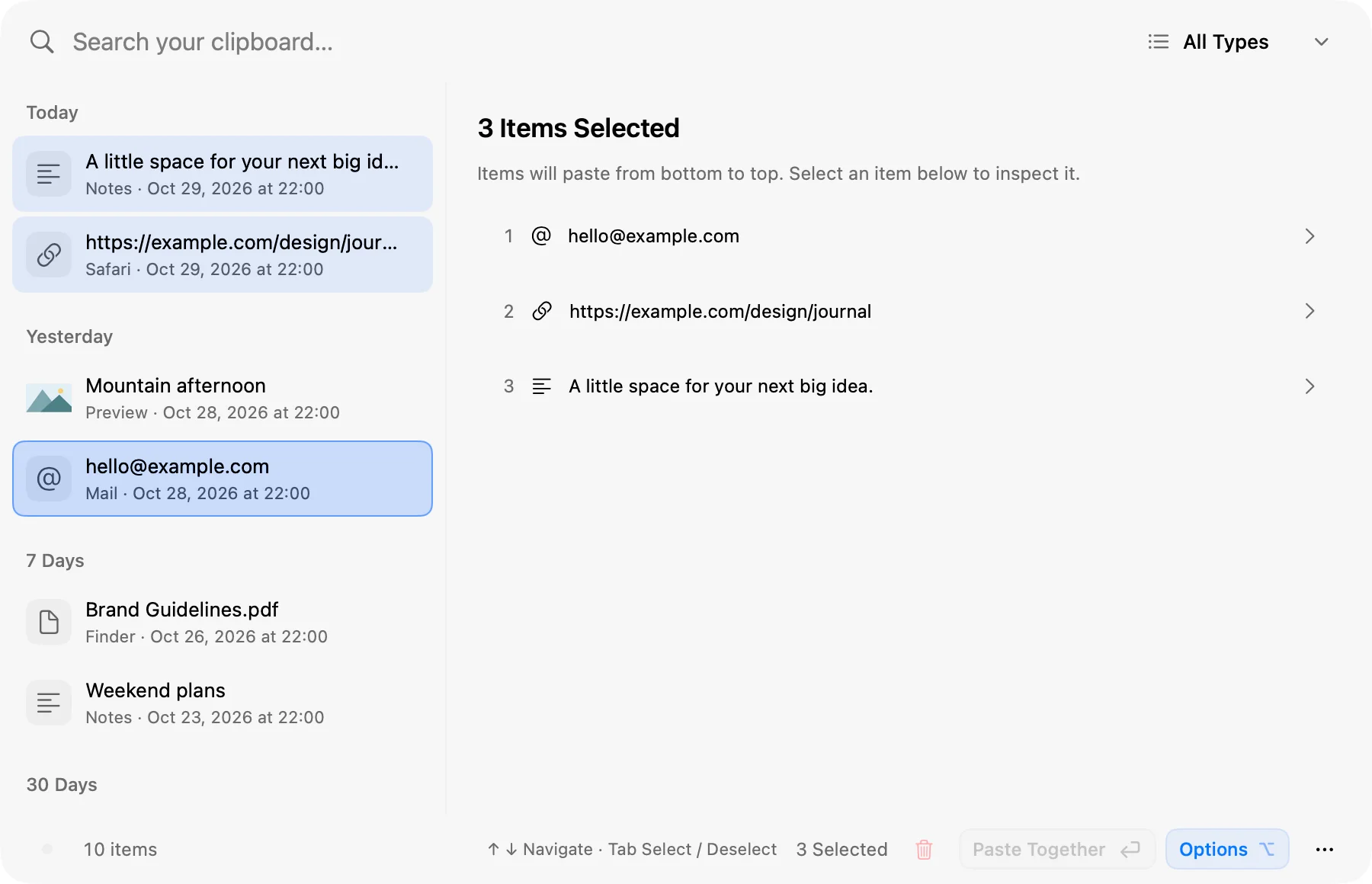
Paste queue
Fill one field at a time.
Start a Paste Queue and Pasket pastes the first item, then waits for you. Move to the next field or app and choose Paste Next for the following one. The upcoming item and the remaining count stay in view, a queue can mix text, links, images, and files, and copying something new ends it.
Mixed contentPaste NextRemaining count
Statistics
See your daily usage.
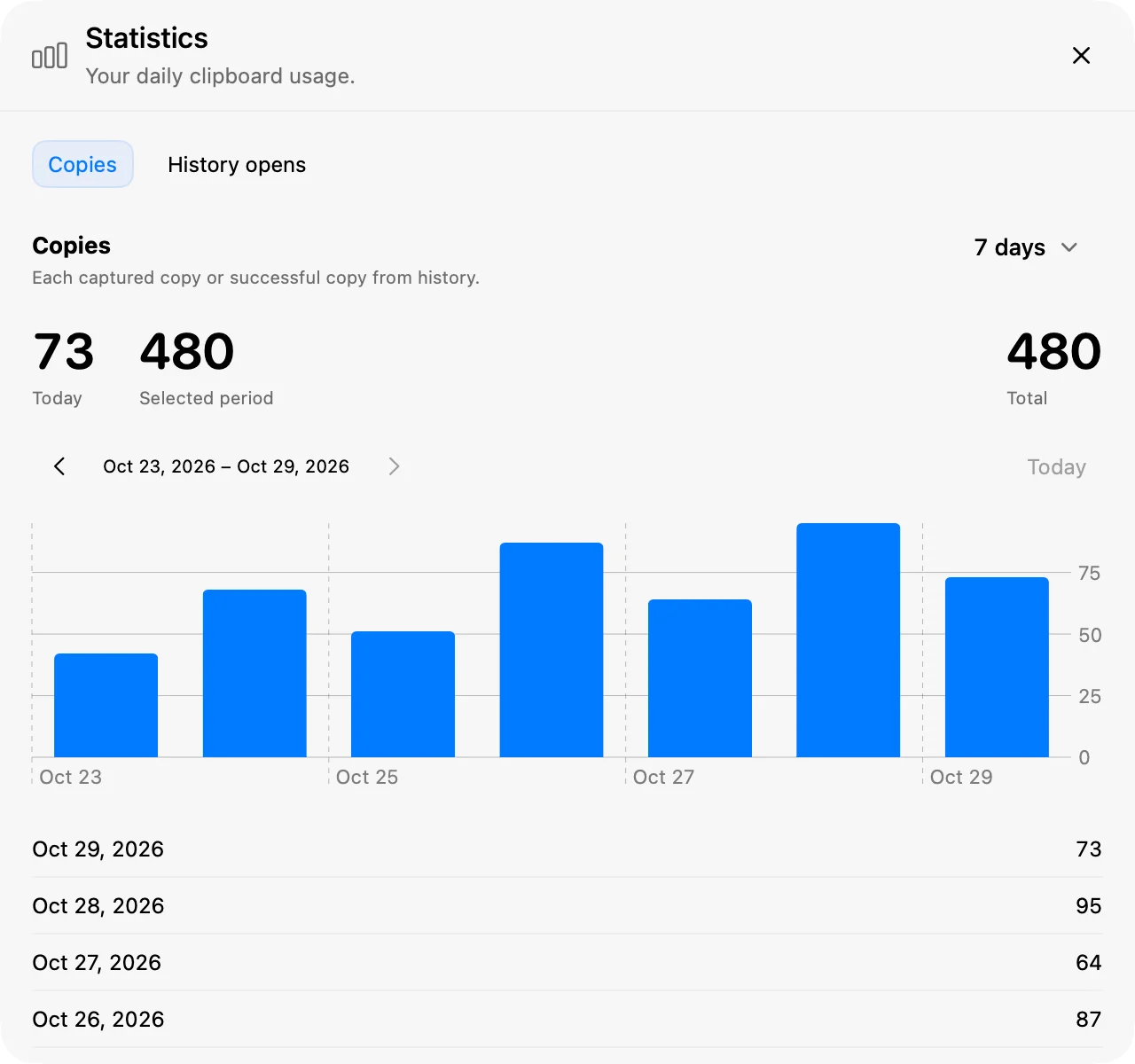
Open Statistics from the menu bar for Copies and History opens: today's count, the selected period, and an overall total, with 7-, 30-, or 90-day charts and daily counts. Browse earlier periods to see how your usage changes over time.
CopiesHistory opens7, 30, or 90 days
Appearance
Make it yours.
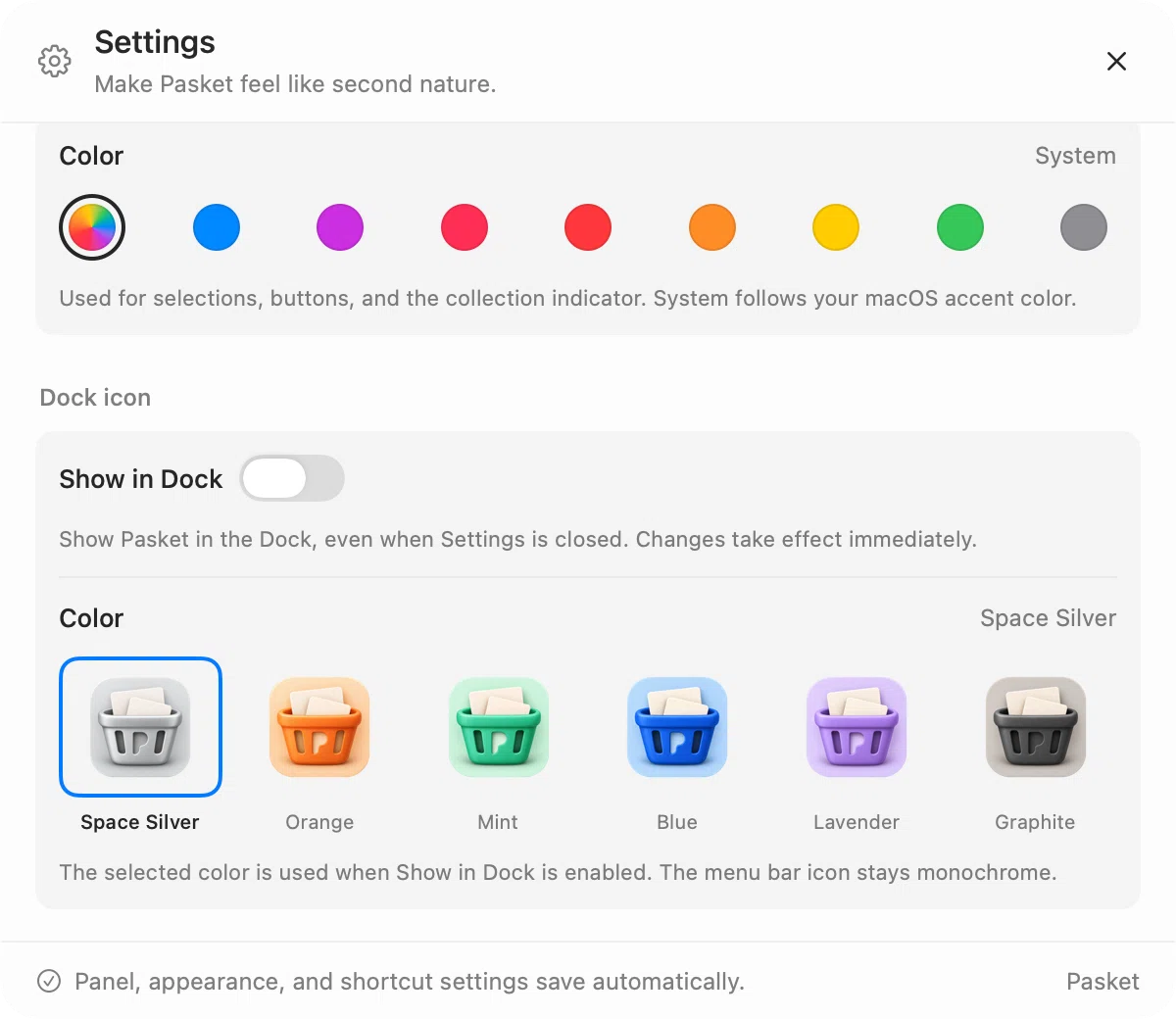
Liquid Glass, the default, uses native macOS glass and follows your system's appearance and transparency settings; Classic gives the panel frosted surfaces. Choose the system accent color or your own, and pick from six Dock icon colors. Show Pasket in the Dock when you want it — the menu bar icon stays monochrome.
- Panel
- Liquid Glass or Classic
- Color
- System plus eight accents
- Dock icon
- Six finishes
- Dock visibility
- Optional
History
Your history, on your terms.
Pasket keeps everything local and skips entries marked concealed, transient, or auto-generated. Pause collection whenever you like. Files stay where they are: history stores references, not backups, and removing an entry never deletes the original.
- Entries kept
- 2,026
- History age
- 60 days
- Text storage
- 50 MiB
- Image storage
- 500 MiB
Defaults for a new install. Each limit can be changed, or set to Unlimited, in Settings → History.
Shortcuts
Summon history from anywhere.
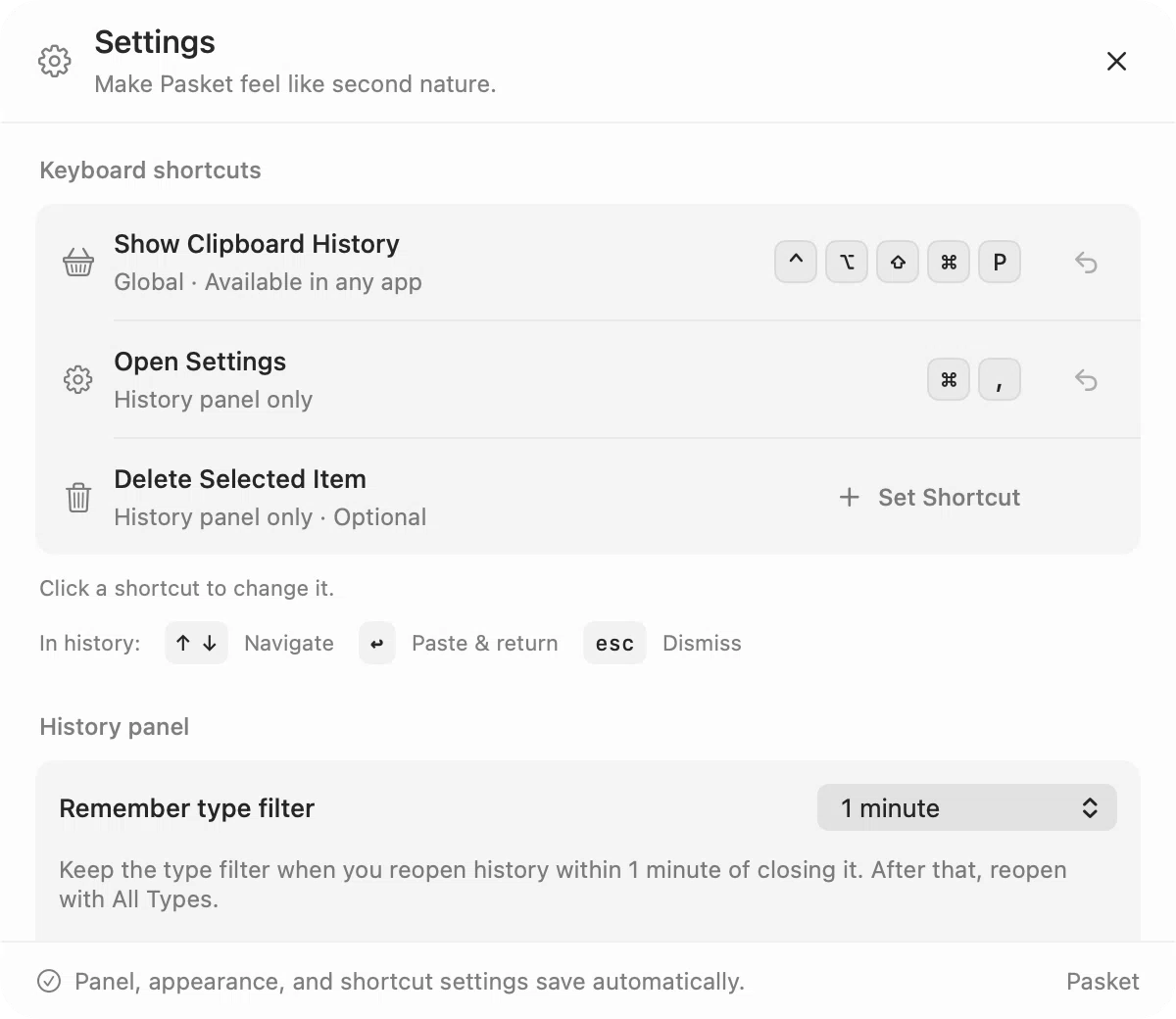
Pasket doesn't pick a global shortcut for you. Choose the combination that fits your hands — for history, Settings, deleting a selection, or Paste Next — then change it whenever you like.
- Navigate
- ↑↓
- Select or deselect
- tab
- Paste & return
- ↵
- Dismiss
- esc

Give your clipboard a memory.
Pasket is a clipboard manager for macOS 26 and later, on Apple Silicon and Intel. Download the DMG from GitHub Releases, or read the source.
github.com/acehinnnqru/pasket